
 Shopify Plus Partner
Starting from a fresh Shopify installation, we developed a completely bespoke storefront tailored to the project's unique creative direction.

Case study
Thank You For Clapping Shopify Case Study
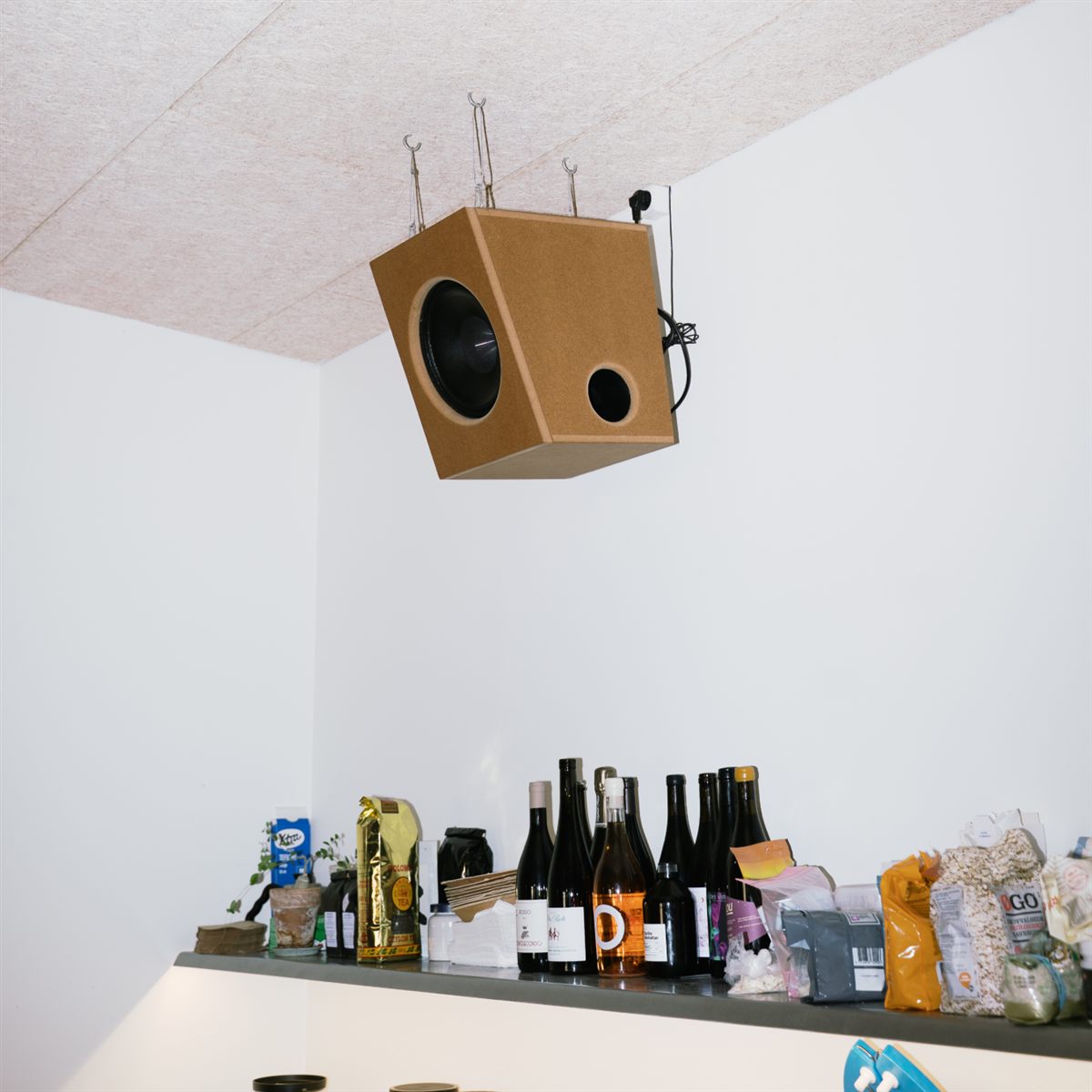
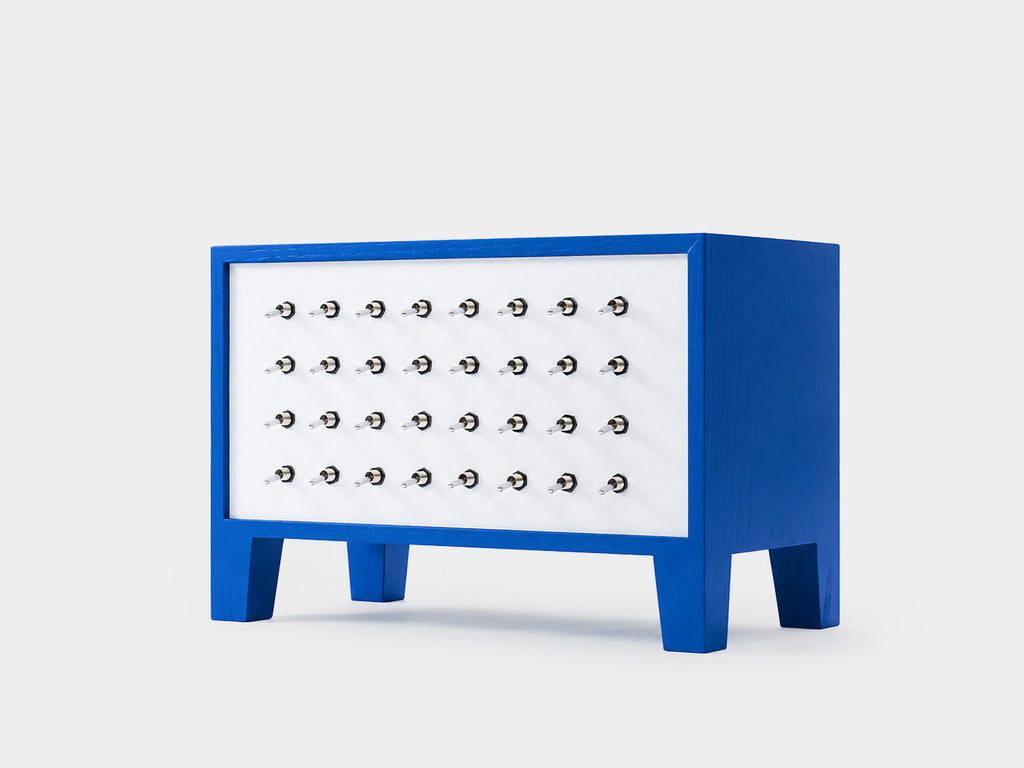
Thank You For Clapping is a multidisciplinary creative platform that brings together collectible objects, music releases, exhibitions, workshops, and cultural events within a single digital space.
Shopify Plus Partner
About the brand
About the brand
Thank You For Clapping is a multidisciplinary creative platform that brings together collectible objects, music releases, exhibitions, workshops, and cultural events within a single digital space.
The goal was to create an online experience that reflected the brand's minimalist identity while allowing different types of content — from purchasable products to events — to coexist naturally within one cohesive platform.
The Challenge
The Challenge
The challenge was to build a custom Shopify experience from a completely fresh installation that could support multiple content types while maintaining an intentionally minimal user interface. Every entry — whether an object, music release, event, or workshop — needed to feel part of the same curated collection without forcing every item into a traditional product structure.
At the same time, the website needed to remain easy for the client to manage. The solution had to allow new entries to be published through a consistent workflow while automatically adapting the presentation based on available content, metadata, and whether an item was purchasable.
The result is a highly custom Shopify storefront that feels closer to a digital exhibition than a conventional online shop.
The Journey
The Journey
1. Building the Foundation
Because the project started with a brand-new Shopify store, the first step was configuring the platform itself.
As there was no previous platform, the project focused entirely on creating a bespoke experience rather than migrating existing content.
2. Creating an Editorial Homepage
The homepage was designed as a continuously evolving archive rather than a traditional storefront.
Instead of separating products into collections, every published entry appears within a single chronological list, regardless of whether it represents:
- Objects
- Music releases
- Events
On desktop, the experience combines:
- A persistent left navigation column
- Horizontally scrolling content
- Responsive columns that expand with screen size
- A partially visible next column to encourage exploration
Each entry displays its title, category, and description, while hover interactions introduce subtle moments of discovery by replacing the logo with artwork pulled directly from the entry's associated metaobject.
On mobile, the experience was completely reimagined with:
- Vertical scrolling
- Fixed navigation
- Category filters
- Touch-friendly interactions
Despite the different layouts, filtering behaves consistently across both desktop and mobile.

3. Flexible Product Templates
Recognizing that not every entry should look the same, two completely different product page templates were developed.
Rather than assigning templates based on product type, editors can choose whichever presentation best suits each release.
The templates include:
- A sequential full-width image layout for editorial storytelling
- A structured four-image grid for more visual collections
Both templates intelligently adapt their content by displaying only the information available. This conditional approach keeps every page clean and avoids empty interface elements.
4. Designing the About Experience
A dedicated About page was created to introduce the brand without disrupting the site's visual language.
The layout mirrors the overall site structure, pairing editorial text and contact information with a single large supporting image, creating a calm, gallery-like presentation that aligns with the rest of the experience.
5. Streamlining the Cart Experience
Rather than redirecting customers away from their browsing journey, the shopping cart was implemented as a slide-in drawer.
The drawer overlays the existing navigation while providing immediate access to:
- Products in the cart
- Variant information
- Quantity controls
- Pricing
- Checkout
Desktop and mobile layouts were independently optimized while maintaining a consistent interaction pattern, allowing customers to review purchases without losing their place within the site.
Tech stack
- Platform Shopify
- Tool Metaobjects
- Theme Custom build

Our contribution
Our contribution
- Bespoke Shopify storefront built from a fresh installation
- Editorial homepage archive with desktop and mobile filtering
- Flexible product templates with conditional content display
- Metaobject-driven artwork and entry metadata
- Gallery-like About page aligned with the site language
- Custom slide-in cart drawer for desktop and mobile
Key Outcomes
Key Outcomes
- Fully bespoke Shopify storefront built from a fresh installation.
- Editorial-inspired browsing experience that merges content and commerce.
- Flexible publishing workflow using Shopify templates and metaobjects.
- Dynamic product pages that adapt automatically based on available content.
- Seamless browsing through persistent navigation and custom filtering.
- Modern slide-out cart experience that keeps customers engaged.
- A scalable platform capable of supporting future creative releases without additional development.
FAQs
FAQs
Yes. For Thank You For Clapping we treated every entry as part of one curated archive, then used templates, metadata, and metaobjects so purchasable products and non-commerce content could coexist without forcing everything into a traditional product layout.
There was no previous platform to migrate. Starting fresh let us configure Shopify around the brand's editorial model and ship a fully bespoke storefront instead of adapting a legacy theme or catalogue.
Two templates are available: a sequential full-width layout for storytelling and a structured four-image grid for visual collections. Editors pick the presentation that fits each release, and each template only shows the fields that have content.
Desktop uses a persistent left navigation with horizontally scrolling columns, while mobile uses vertical scrolling, fixed navigation, and touch-friendly filters. The filtering logic stays consistent even though the layouts are different.
The drawer keeps customers inside the browsing journey. It overlays the existing navigation and gives immediate access to products, variants, quantity controls, pricing, and checkout without sending shoppers to a separate page.
Yes. New entries follow a consistent publishing workflow, and presentation adapts automatically based on available content, metadata, and whether an item is purchasable — so future creative releases can launch without additional build work.

Talk to the founder
André de Freitas
Let's find the fastest win for your store.
Tell us where you're at — we'll help you find your clearest next step.
★ 4.9 Clutch
Shopify Plus Partner
200+ brands grown
Book a call
Pick a day
Pick a time (CET)
You'll talk directly with our founder — not a sales rep.